When AI Makes You More Productive but Still Leaves You Spinning Plates
The more I use AI in my own business, the more work I can move forward. I can take early research or campaign thinking much further, much faster than I could alone. That extra capacity is real, and it changes what one person can take on. It has also exposed a different kind of friction.
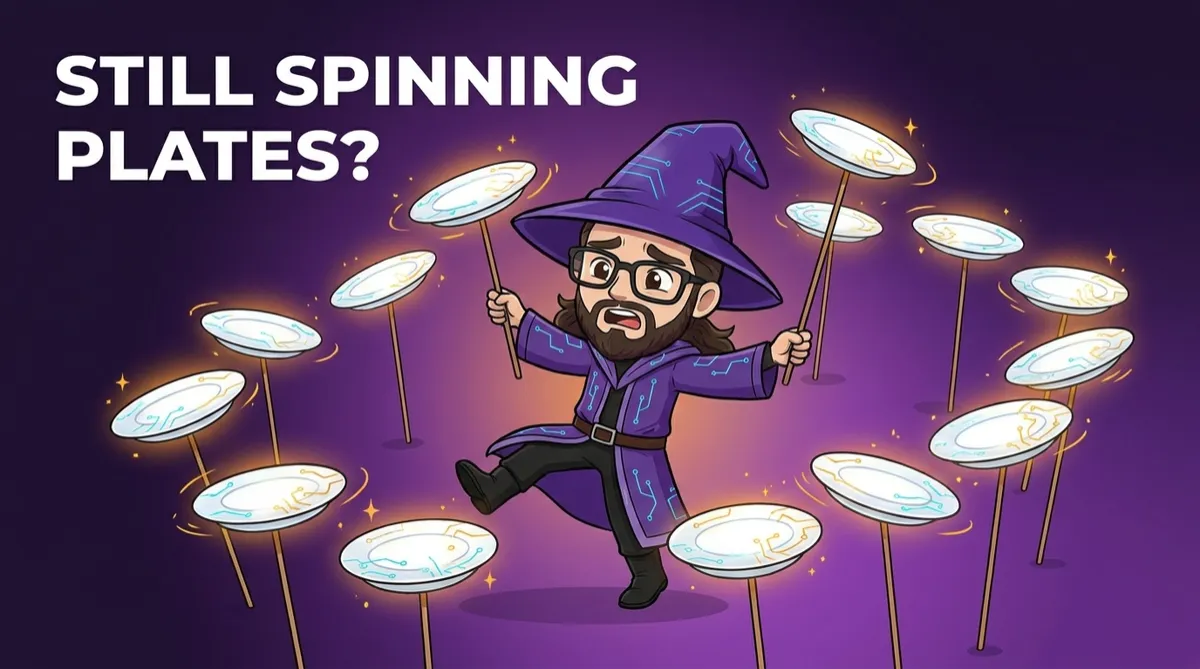
In my AI consulting and training work, every new thread of work with an AI assistant needs attention. I have to set it in motion, take responsibility for its next handoff and remember to return to it when something else has moved. With several useful assistants and workflows, it can feel a lot like spinning plates. The work moves, but it stays in motion because I am keeping each piece in the air.
That is the part I am wrestling with. Better prompts, assistants that already know how I work, and workflows that do not need re-explaining every time can remove a great deal of repeat work, making the work itself quicker and more consistent. Yet as the number of useful workflows grows, the bottleneck can shift to the person who has to notice every new opportunity, open the right conversation and coordinate the next step.
When a workflow still waits for you
This is not about how advanced the assistant is. Even a simple one, given a handful of instructions, can still end up waiting for you to notice the right moment to use it. An assistant can be well set up, understand your tone, follow a process and work from the right source material, and yet still remains inactive in day-to-day use until you decide that this is the moment to start that work.
That gap appears in small ways. A rough idea can sit in your notes until you have time to turn it into a brief. When an enquiry arrives, you may need to research the company, check the fit and prepare a response before it goes anywhere. Even a useful piece of work can pause again while you move its output into the next stage.
The workflow is helping, but the coordination still lives in your head, since you are holding the picture of its current state even when you are not completing every task yourself. That takes attention, and it makes it harder to improve the next workflow or deal with the inefficiencies that remain.
The next step is work that starts when something happens
People sometimes hear "AI autonomy" and picture a system running an entire business unsupervised. The valuable version in day-to-day work is often much more contained. A useful event, a new enquiry arriving, an idea being jotted down, can start a defined workflow that carries out preparation until a person has something worthwhile to consider.
Take a rough campaign idea. At the moment, that idea might wait until I open the right assistant, pull in the context and make time to start the process. A more connected workflow could take the idea as its starting point, retrieve approved source material, look for related work and prepare a research note with an initial brief, so I would still make the editorial calls, but from a draft rather than an empty page.
An inbound enquiry works the same way. Once it arrives, a workflow could gather the available information, research the organisation and compare the request with the offer and approach already defined in the business, then prepare a draft response for review. The system would stop before the relationship and the final commitment need human judgement, so I would check the context, adjust any nuance and decide whether to send it.
A presentation follows a similar logic. Once a session or a proposal is booked in, a workflow could pull together relevant slide content from past material, work from an existing design library and lay out a first draft of the deck, leaving me to shape the story, the emphasis and the closing argument rather than stare at a blank slide.
Reporting can work the same way too, though the trigger looks different. A recurring reporting date, or a request for a particular type of report, could set off a workflow that gathers the relevant data and source material, researches whatever context is needed and drafts the report in the expected format. From there I would review the findings, adjust the framing and decide what to highlight.
The review point becomes the useful handoff
In each of those examples, the workflow stops exactly where a person needs to exercise judgement, with the preparation already done by the time it reaches them. At that point, AI stops being only a production partner and becomes part of how the work moves through the business.
Human touchpoints still matter, although their purpose becomes clearer. Your attention can go to a decision that needs judgement, rather than simply initiating the next action. That may mean deciding whether an enquiry is a good fit, shaping the direction of a campaign or handling an exception that the workflow cannot resolve safely.
This only works when the workflow has the context, boundaries and review route it needs to behave usefully. A vague instruction linked to an inbox simply creates a faster way to produce noise. The groundwork still matters. The source material has to be right, the process has to be defined, and the point where the work returns to a person has to be clear.
Start with the handoff you keep carrying
You can start small by watching for moments when a piece of work pauses simply because it is waiting for you to remember to begin it. The next time you have that thought, treat it as a design signal rather than a personal productivity failure.
Work backwards from the review point. Start with the event that should begin the work, then work out what needs to be ready before someone makes a decision, and where it should go if something needs handling differently. In many cases, that is a more useful first project than adding another assistant to manage.
AI has given me much more capacity in my business. I now want the system around the work to make better use of it. The aim is to spend less of my day keeping plates spinning and more of it applying judgement where it changes the outcome.
For me, connected AI support becomes practical when routine work can move forward and human judgement remains at the points where it affects the outcome.
If any of this sounds familiar, whether you are still finding your feet with AI, using it every day but feeling the strain, or trying to connect it properly across your business, book a call and let's talk it through.